Showing posts with label mdm. Show all posts

Thursday, September 14, 2023

Intune - Switching MDM Authority from O365 to Intune


So for some strange reason, when you navigate to your Tenant Status Details, you notice that your MDM authority is Microsoft Office 365 instead of Microsoft Intune?

This can happen for a variety of reasons:

  • You may have enabled "Basic security and mobility" a long time ago and you don't remember
  • When you first time opened Intune you selected O365 as the MDM Autorithy
  • etc.
Now...you have purchased a Microsoft 365 plan that have an Intune license and you want to change the MDM Authority to Microsoft Intune.

At least for me, the easiest way to do it asap, is like this:
  1. Open the Intune for Education with a global admin (https://intuneeducation.portal.azure.com/)
  2. Next go to "Tenant Settings" and from there select "Microsoft Intune" as the MDM Authority.
Quick and easy. And...you're done! :)

Thursday, January 2, 2020

Microsoft Endpoint Manager Proof of Concept (PoC) Guidance

Microsoft made available a very nice set of resources for everyone interested in the new Microsoft Endpoint Manager (MEM).

Microsoft Endpoint Manager Proof of Concept (PoC) Guidance, is a set of technical resources mainly for partners and resellers to help them conceive a successful PoC scenario for their costumers.

For everyone that’s not a partner or reseller, it’s also really interesting information where you can get to know more about this new tool and how you can implement it on your environment.

For more information on this guidance:
Microsoft Tech Community - Microsoft Endpoint Manager Proof of Concept (PoC) Guidance

Wednesday, May 22, 2019

Microsoft Intune – How to remove Microsoft Store for Business app from Client Apps List

Starting the first steps with Microsoft Intune with some try and error on the mix, here’s something I’ve learned about client apps.

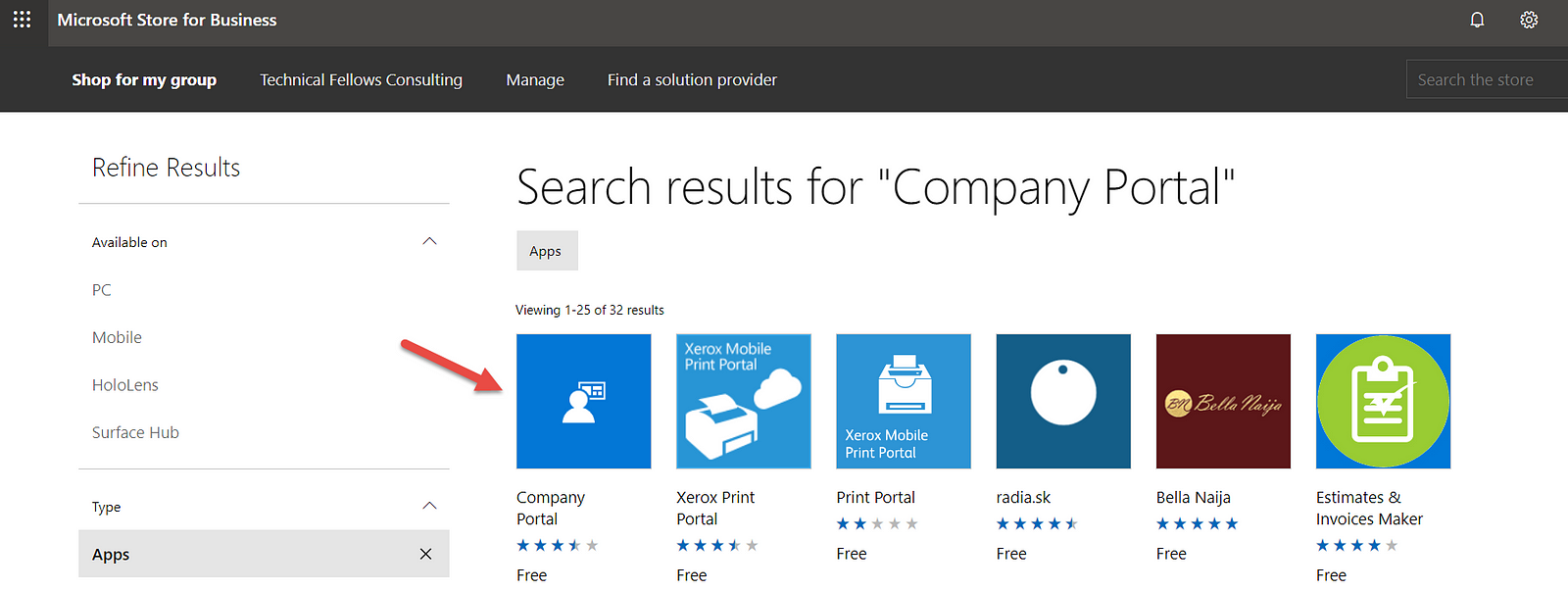
When you go to Client Apps, and if you’ve already synced your Microsoft Store for Business with Intune, you’ll see the apps you’ve approved on the store on that list.

But, a strange or…by design thing happens. Imagine you approve an app and the you revoke it. You’ll notice when you manage your Store for Business that the app isn’t there no more but…you still see it in Intune Client Apps list and the option to delete it is greyed out.

Now, to solve this, follow this steps:

  1. Login to the Microsoft Store for Business
  2. Select Manage and then Order History. Here you’ll see all the apps you previously approved.
  3. Now, select the app you want to remove from Intune Client Apps list
  4. On the next screen, in the Action column select Refund and agree with the action
  5. Go back to Intune and then Client Apps
  6. Select Microsoft Store for Business and Sync
  7. Go back to Client Apps list and…the app is gone!