
Group Policy Preferences (GPP) are available since Windows 2008 / Windows 7 and they extend the expand the range of configurable setting within Group Policy Objects (GPO).
Although they provice a better targeting through item-level targeting and action modes, theres something not so good when you need to troubleshoot them.
Instead a quick look in the event viewer for example, you’ll need to enable GPP logging through GPO settings.
To do so, use the following steps:
- Open Group Policy Management Console (GPMC)
- Navigate to Computer Configuration\Policies\Administrative Templates\System\Group Policy
- There you have Logging and Tracing folder
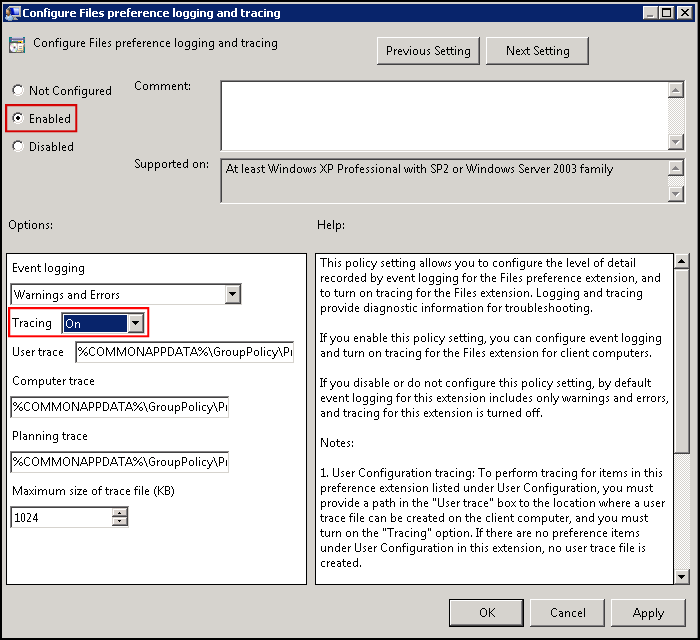
- Configure as desired and restart machine
Inside this folder you’ll get everything you can trace.
You can set what to trace (ex.: Warnings and Errors), where to save the debug logs, maximum log size, etc.

