Showing posts with label logs. Show all posts

Tuesday, November 15, 2022

Microsoft Defender AV: Client Logs


For everyone implementing Microsoft Windows Defender Antivirus, here's a quick note where to find the client logs and how to use them:

  • C:\ProgramData\Microsoft\Windows Defender\Support
    • MPLog-######-#####.log
    • MPDetection-######-#####.log
    • MPCacheStats.log (Defender Only)

You should use the MPLog to:

  • Search Threat Name to locate a record of malware detection.
  • Search Scan Source to locate a record of a scheduled scan running or record a running scan that is on demand.
  • Search Expensive file to locate an instance of an expensive file detection during a scan.
  • Seach on update process

Thursday, July 18, 2019

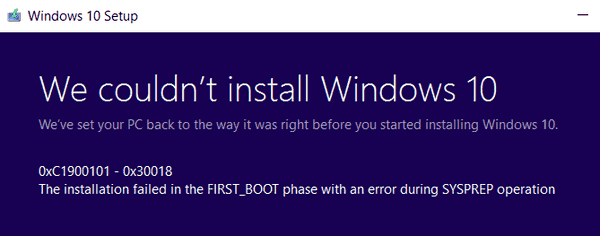
SetupDiag – Know what went wrong with your Windows 10 upgrade

With no whistles and fireworks, Microsoft launch a tiny but very useful tool to analyze what went wrong with your Windows 10 update.

SetupDiag is a standalone diagnostic tool that can be used to obtain details about why Windows 10 upgrade wasn’t successful.
It analyzes the Windows Setup logs and tries to parse them trying to obtain a single log file that tells you where’s the issue.

Download and read more about it here:
Microsoft - SetupDiag Tool