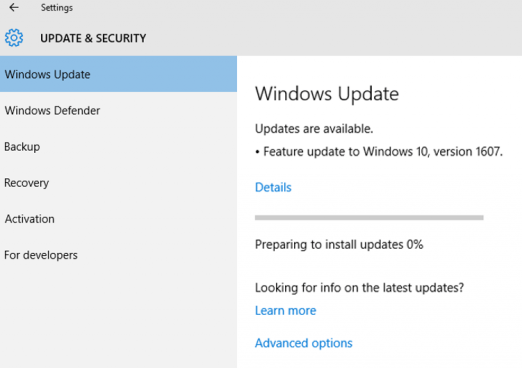
Microsoft just released a few hours ago the media files (ISOs) for Windows 10 Enterprise v1607 a.k.a. "Windows 10 Enterprise with Anniversary Update." through it's Volume Licensing Service Center (VLSC) website.
Starting rollout yesterday, the new Windows 10 Anniversary Update comes with some nice new features. Again, and following Microsoft's strategy since Windows 10 first alpha and beta versions, a lot of the new features were introduced using customer feedback, specially from the Windows Insider's program.
So, here are some of the highlighted features:
Windows Ink Allows users to quickly take notes, sketch on a screenshot or draw out something. For example, smart sticky notes can detect that you write down a date or time and Cortana asks if you want to create a reminder.
Windows Defender and Windows Hello Defender now has an option to automatically schedule quick scans. Windows Hello gets a more deep integration with Microsoft Edge for a quick and secure website login.
Microsoft Edge Power Increased Power Efficiency Edge got an update to it's power saving capabilities that ensures a more durable battery life, for example, reducing power consumptiong when view videos online.
Microsoft Edge...Extensions!! (finally) So it's finally here! The Windows 10 Anniversary Update finally brings extensions for Edge browser! There's not a lot too choose from, but this is just the beginning!
One Store to Rule Them All Following Microsoft's strategy of convergence, Windows and Xbox One now share the same Windows store. This means a more fluid and intuitive experience across platforms and also a seamless way to buy, subscribe, download from anywhere.
Finally, heres a video about this and other highlights directly from Windows Blogs website: