Showing posts with label taskbar. Show all posts

Friday, June 30, 2023

Adding seconds to the clock on Windows 11


You now have the ability to add seconds to your Windows 11 clock in the taskbar.

Just keep in my that to achieve this, will need to have already installed WIndows 11 May 2023 update (aka Moment 3).

To achieve that, just follow these steps:

  1. Open Settings

  2. Click on Personalization

  3. Then click the Taskbar option on the right side

  4. Expand the option Taskbar behaviors

  5. Check the option "Show seconds in system tray clock"

And that's it! 

Friday, October 2, 2020

Lenovo Power Charging Issue–Solved

I’ve been struggling last week with my Lenovo L480.

For some strange reason it was not charging with ac adapter but it did when using the docking station.
In both cases, Windows battery icon in the taskbar was not showing that the laptop was charging but Lenovo Vantage app was showing that battery was charging.

After doing lot of things like, uninstalling ac adapter drivers from device manager, and a lot of other procedures, the one that worked for me was this one:

  1. Shutdown Windows (press shift key and shutdown the laptop)
  2. Unplug ac adapter
  3. Now, press and hold the power button for 30 seconds
  4. The computer would turn off and turn on 2 times
  5. Then, let the computer boot up normally
  6. Login to Windows
  7. Plugin ac adapter and…voilá!

Thursday, June 8, 2017

Win 10 – GPOs – Removing Windows Store Icon from Taskbar

207_2

Don’t want the store icon on your users taskbar?

Here’s how to remove it, and don’t allow it to get there again, using group policy.

  • Navigate to User Configuration > Administrative Templates > Start Menu and Taskbar
  • Find and enable the setting “Do not allow pinning Store app to the Taskbar

And you’re done!
Just remember that you need to have the most edit GPOs from a Windows 10 v1703 or you need to install the most recent ADMX templates for Windows 10.

Wednesday, January 22, 2014

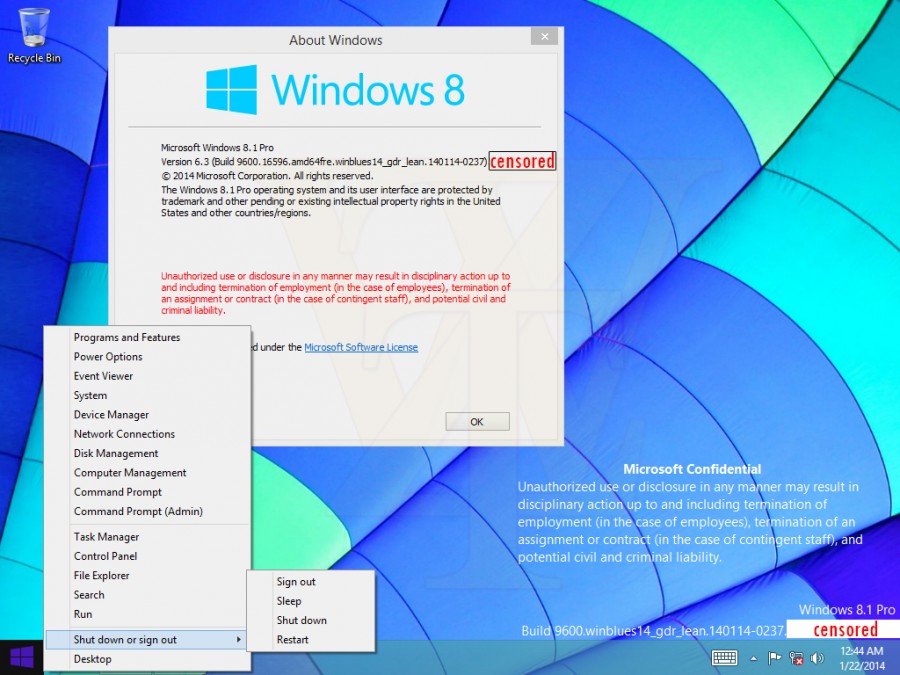
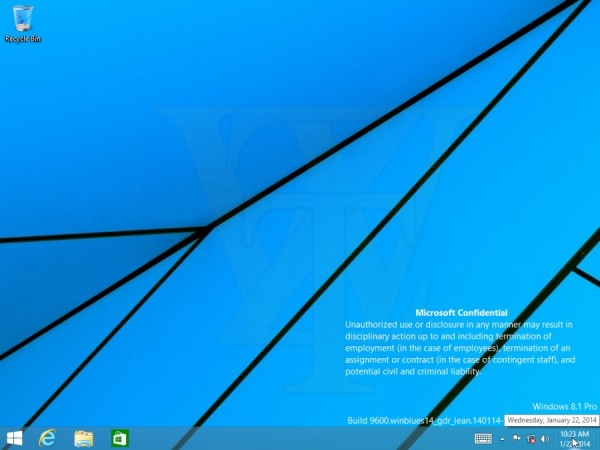
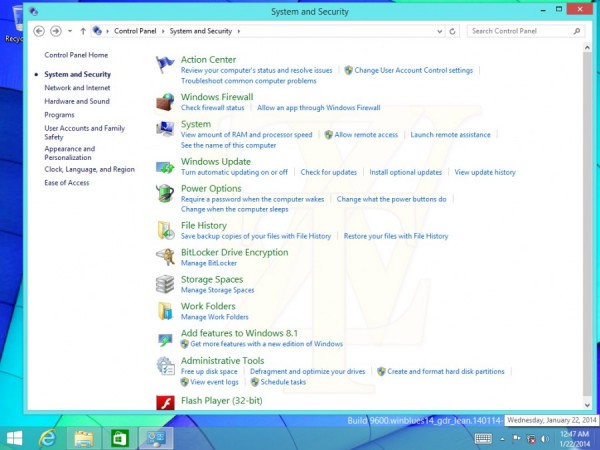
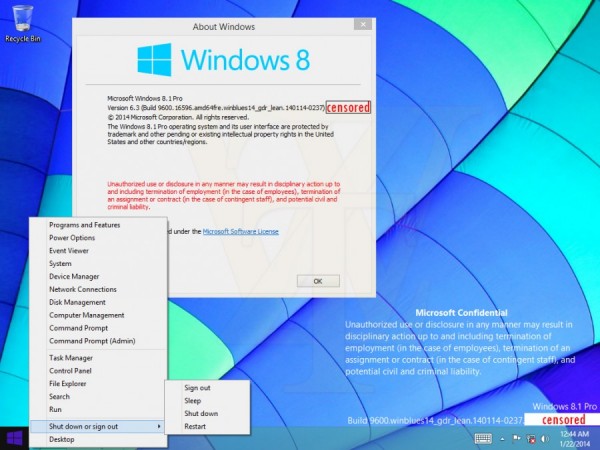
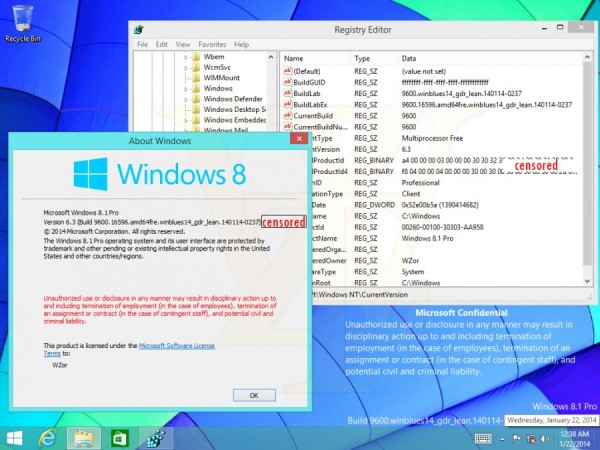
Windows 8.1 Update 1 - Metro and Desktop Fusion!


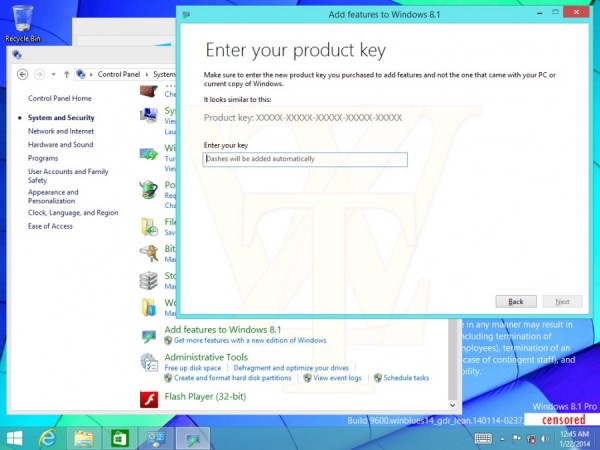
New images from Windows 8.1 Update 1 are emerging over the web and it should be launched in April.
In this new images it's possible to know that finally Microsoft it's merging the Metro and Desktop experience.

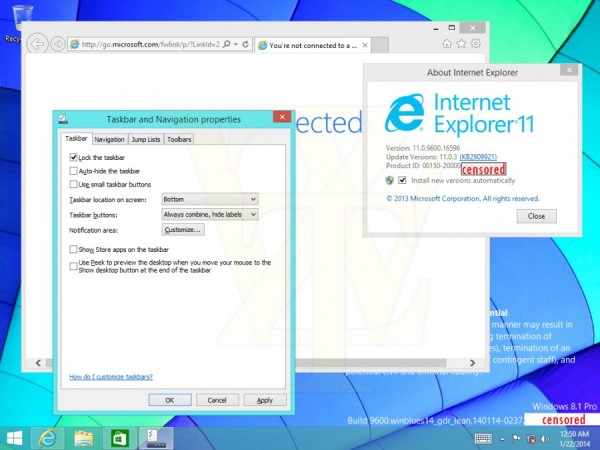
It will be possible with Update 1 (and in Windows "9" by the way) to run apps or metro apps while using the desktop. There's also a new option called "Show Store apps on the taskbar" which also make using Windows 8.1 a more fluid experience.