Showing posts with label windows 8. Show all posts

Wednesday, July 23, 2014

Windows New Start Menu Images Emerging Again

windows_9_2

After last week appearance of the future Windows Start Menu, today the website Myce it's showing a new image.

The image above shows a kind of mixed Start Menu with "classic" applications and some apps Modern UI style.

The website also shows a new image of an Modern UI app running directly on the desktop. This is another promise from Microsoft.
In this case, it's the Windows Store App running:
windows_9_3

Although this images are displaying Windows 8 logo, there's still a lot of doubts if this will be an update to Windows 8 or if the new Start Menu will only be available on the future Windows 9.

Monday, July 21, 2014

Windows 8.1 - Update 2 next 12th August?


Windows 8.1 Update 1 was launched 3 months ago, and brought a lot of stability and some good new features and improvements that boosted Windows 8 adoption, mainly for the home users.

Now, there's some speculation over the internet about the launch of Update 2 possibly in 12th August instead of the previous not official launch date (9th September).

Accordingly with PCPortal.org.ru, Update 2 should be less significant then Update 1 but should bring a little more stability and new functionalities.

Hope to bring more info about it in the next couple of days.
 

Wednesday, January 22, 2014

Windows 8.1 Update 1 - Metro and Desktop Fusion!


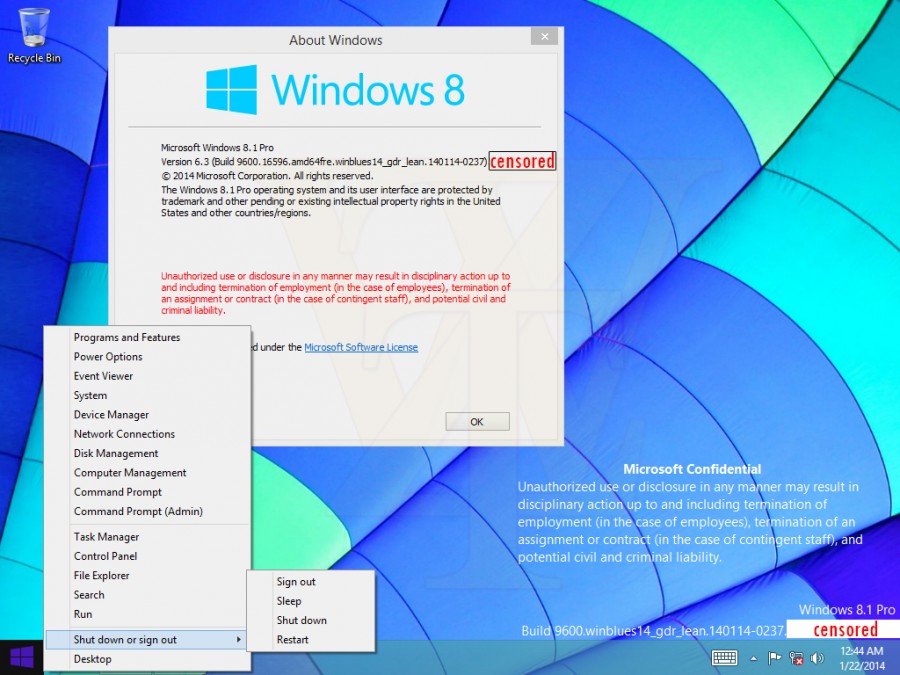
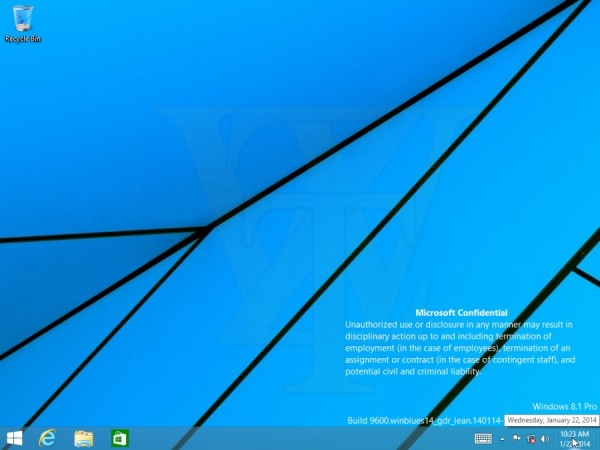
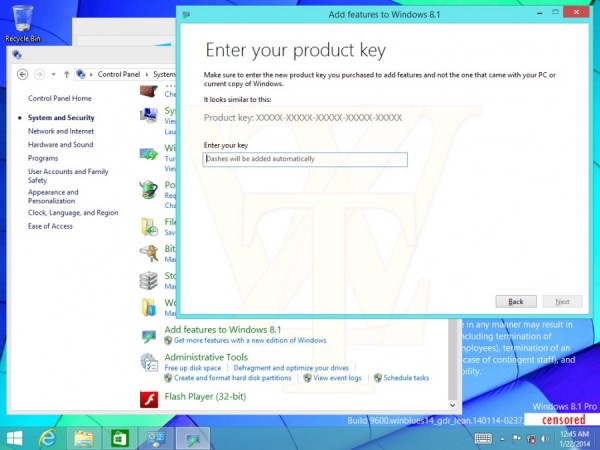
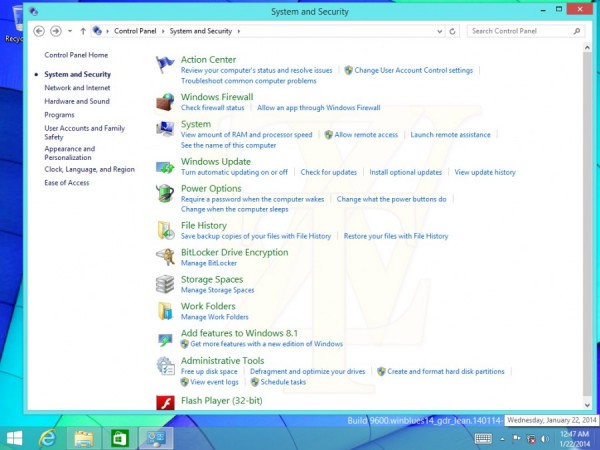
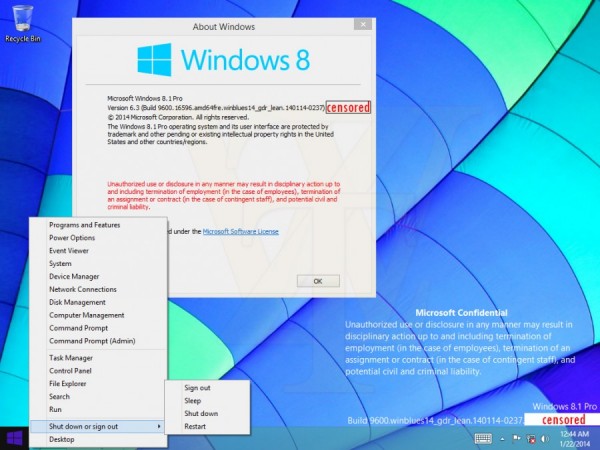
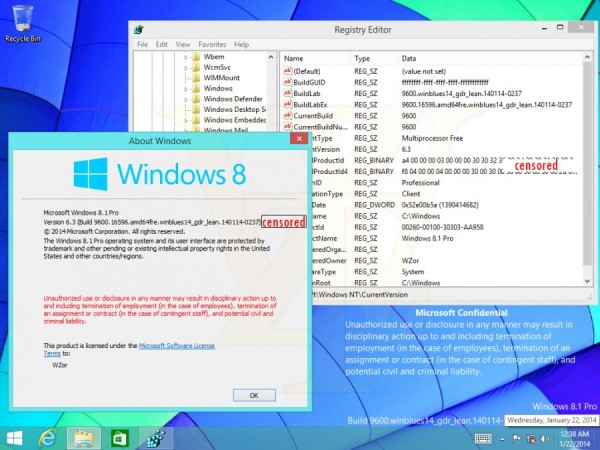
New images from Windows 8.1 Update 1 are emerging over the web and it should be launched in April.
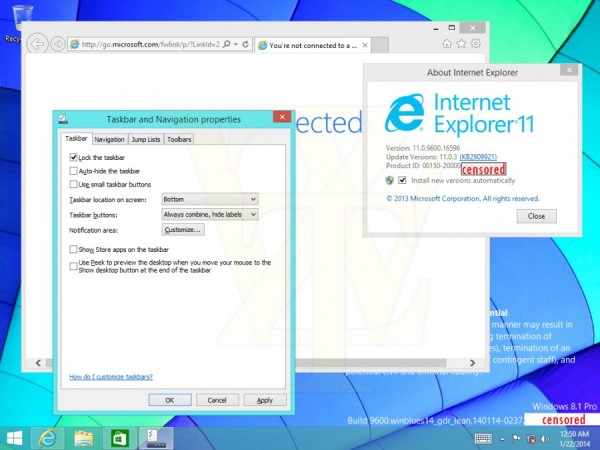
In this new images it's possible to know that finally Microsoft it's merging the Metro and Desktop experience.

It will be possible with Update 1 (and in Windows "9" by the way) to run apps or metro apps while using the desktop. There's also a new option called "Show Store apps on the taskbar" which also make using Windows 8.1 a more fluid experience.


Thursday, January 2, 2014

Deploy Windows 8 with MDT

Here's a very quick but helpful video about how to install Microsoft Windows 8 with Microsoft Deployment Toolkit 2012 Update 1 (MDT).

In this video there's all you need to understand the basic steps to create a Litetouch installation.

Sunday, April 14, 2013

Windows 8 - What IT Pros Should Know


Just to share a nice roundtable from Microsoft Technet about some features Windows 8 has that can help you get more of this O.S. and using it to improve, virtualization, deployment, security and devices.

Take a look here:

Wednesday, April 10, 2013

Windows 8 - Talking About with Stephen Rose


Here's a nice Channel 9 webcast about Windows 8 Enterprise with Stephen Rose.
This webcast called "Windows 8: The No Compromise Business Devices" approaches the following subjects:

  • New User Interface Concerns
  • What about the Start button?
  • Will my Windows 7 applications work on Windows 8?
  • Surface / Windows RT and Surface Pro - what's the difference?
  • Why is a Windows 8 tablet a better choice for businesses than an iPad or Android-based tablet?


Get more info here:
Channel 9 - Windows 8: The No Compromise Business Devices

Thursday, April 4, 2013

Windows To Go - Overview


Here's something that didn't give a lot of buzz, in my opinion because mainly it's intended for enterprises only  and because most of the enterprises didn't adopt this O.S., but it's a good showcase about how light and flexible Windows 8 can get.

Windows To Go is an enterprise feature of Windows 8 that enables the creation of a Windows to Go workspace that can be booted from a USB external drive on PC that meet the Windows 7 or Windows 8 certification requirements.

There are some consideration about this feature:

  • Internal disks are offline to protect and adverted deletion of the physical machine
  • You can use the capabilities of TPM
  • Hibernation is disable by default
  • App Store not available 

You can take a more deep look to this Microsoft Windows 8 feature here:

Wednesday, April 3, 2013

BitLocker - What's New for Windows 8 and Windows Server 2012


Although Microsoft BitLocker it's not the most widespread drive encryption solution, it's a free encryption system that Microsoft offers to all their business/ultimate customers.

With Windows 8 / Windows Server 2012 there are some new interesting features:

BitlLocker Provisioning
In Windows Vista and Windows 7 BitLocker could only be activate post installation.
Now in Windows 8, you can enable BitLocker prior to operating system deployment, directly from WinPE (Windows PreInstallation Environment).


Use Disk Space Only Encryption
Unlike Windows 7 that demand that all data and free space on a volume to be encrypted, you can now encrypt data only


Standard User PIN and Password Change
This one was one of the big flaws on previous BitLocker versions. Standard users couldn't change the PIN or Password.
And...Now the can!


More info at:
Microsoft Technet - What's New in BitLocker

Wednesday, March 27, 2013

Windows 8 - Mail, Calendar and People Apps Get Updates


Although their not "state-of-the-art", The built in Mail, Calendar and People Apps, are a nice to have feature that comes with Windows 8.

They have very simple usage and are all connected with the Microsoft Live Services so with a Windows Phone you have seamlessly access to all the content.
Yesterday Microsoft launched an update to this 3 apps.

Mail App

  • Filter by All Unread e-mail
  • Filter by Flagged e-mail
  • "Smart contact suggestions" when writing a new e-mail
  • E-mail search on server (hotmail.com/outlook.com) instead off local search, if needed

         7

Calendar App


  • Calendar view updated
  • Work week view added
        4


People App

  • New swiping from top (or right-click) to open the app commands
  • New top navigation to switch between Facebook, Tweets, etc
  • Filter by social network
      11