Showing posts with label apps. Show all posts

Thursday, October 19, 2017

Win10 Deploy – v1709 (Fall Creators Update) – You’ll Need to Change Your “RemoveApps” Script!

This new paradigm of Windows as a Service (Waas) really makes SysAdmins to change the way they work and also adapt really really quick.

Following the release of Windows 10 v1709 (Fall Creators Update), and if like me you use a Powershell script to remove provisioned apps during image deployment or golden image creation, you’ll notice…a lot of broken things on you script.

This happens because of changes on the apps version…so…or you create a more complex script that just looks for the beginning of the application string or you adapt your script to this new release.

So…you try to install you golden image with Microsoft Deployment Toolkit (MDT) and you get the following error when finishing:
getappx2

Now…don’t close this Window right yet. Instead, follow this steps:

  1. Open a Powershell prompt
  2. Execute the following command: Get-AppxPackage –Online > C:\Apps.txt
  3. This will create a file called Apps.txt on you C: drive with all the installed/provisioned apps. It will be something similar to this:
    getappx
  4. Now you just need to copy/paste the updated “PackageName” to your script and everything works fine again.

Just a quick note to remember that for example Microsoft 3DBuilder app was removed from Windows 10 v1709 so you may completely remove that line from your script.

Sunday, July 2, 2017

Windows 10 – GPOs – Getting Rid of Consumer Apps

So, you finally got rid of undesired apps that you don’t want on your base/gold image but after that you find your with a bunch of other apps that you don’t know where they came from?

Basically this is a “functionality” on Windows 10 that automatically downloads some consumer apps.

To get rid of these ones follow this steps:

  1. Open GPMC
  2. Edit your GPO
  3. Navigate to Computer Configuration | Administrative Templates | Windows Components| Cloud Content
  4. Double-click “Turn off Microsoft consumer experiences"
  5. Select “Enabled

And you’re done!

Thursday, July 23, 2015

Windows 10 Insider Builds - Installing Insider Hub App


I think that with Windows 10, Microsoft really done a great job with Insider Hub.
For the first time, Microsoft could test, change and improve a lot of things in a very early state of its OS almost since day 1 and on a global way.

I believe that with this brilliant step, Microsoft can really have one of it's greatest moments when Windows 10 gets to RTM and general consumers.

Since a few insider builds back, the Insider Hub (the app to get news, quests and announcements for insiders) stopped from being pre-installed.

If you want to install it again, follow this steps:

  1. Go to Settings, Apps & Features
  2. Click Manage Optional Features and then click Add a Feature
  3. Slide down to Insider Hub e click Install
  4. Done!

Sunday, September 14, 2014

Windows 9 - Alleged Start Menu Video Leaked


The future Microsoft's operating system keeps getting rumors over the internet.
One of the most talked topics it's the possibility of the return of the start menu to the desktop.

There's a big chance of that to happened and a video showing the features available on this new start menu make it even more credible.
The video it's of an alleged early build of the new OS code named "Threshold" shows up some features like the possibility to quickly change the logged user and it seems to be divided on 2 parts. The left side, similar to a Windows 7 or early versions and a right side with a kind of Metro style finish.

Another thing that this video shows it's the possibility to launch metro style apps in window mode instead of fullscreen.

Wednesday, July 23, 2014

Windows New Start Menu Images Emerging Again

windows_9_2

After last week appearance of the future Windows Start Menu, today the website Myce it's showing a new image.

The image above shows a kind of mixed Start Menu with "classic" applications and some apps Modern UI style.

The website also shows a new image of an Modern UI app running directly on the desktop. This is another promise from Microsoft.
In this case, it's the Windows Store App running:
windows_9_3

Although this images are displaying Windows 8 logo, there's still a lot of doubts if this will be an update to Windows 8 or if the new Start Menu will only be available on the future Windows 9.

Monday, July 21, 2014

Windows 9 - The Future Start Menu Images Appears

windows_menu_iniciar_2

The Microsoft's BUILD conference had a good bunch of news about the future Microsoft's OS, Windows 9.

The option made my Microsoft about removing the "classic" Start Menu from Windows 8 was one of the most criticized decisions.

In a way to make users know that Microsoft it's listening, the news about the return of the Start Menu to Windows 9 was made by Microsoft during BUILD conference but with no release date.

Last week a new image appeared on the internet allegedly of Microsoft Windows 9 build 9788 which shows a more "hybrid" start menu with Desktop and Apps all in the same place.

Wednesday, January 22, 2014

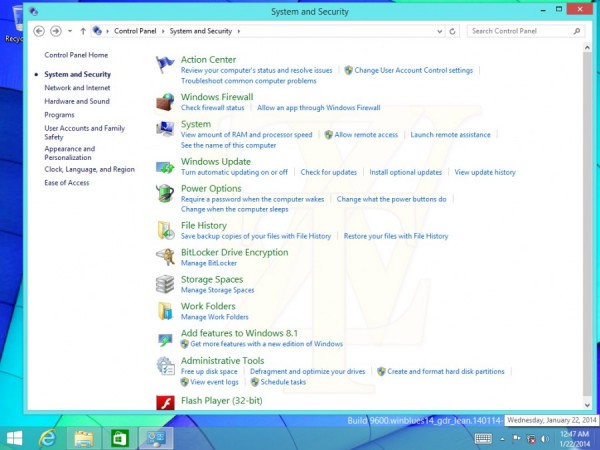
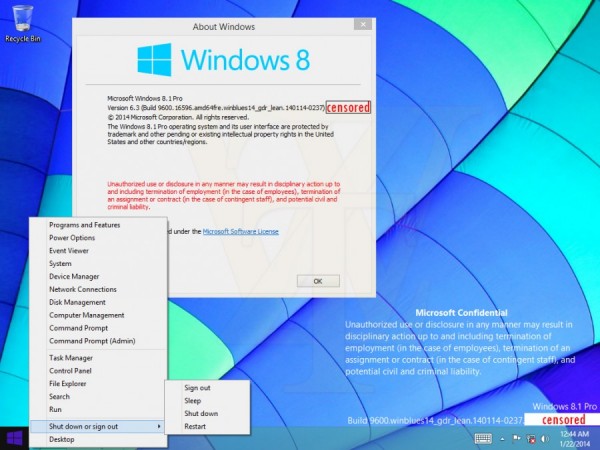
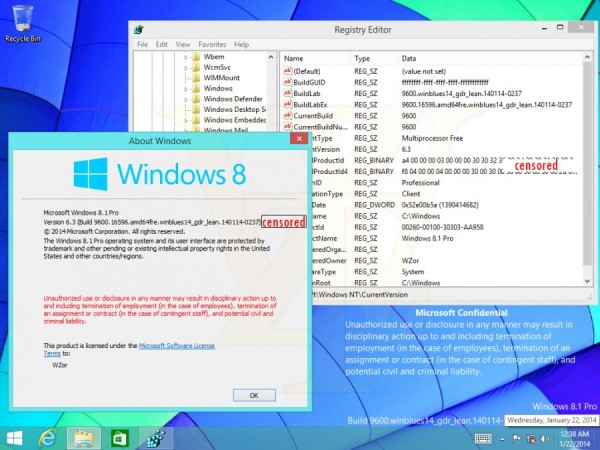
Windows 8.1 Update 1 - Metro and Desktop Fusion!


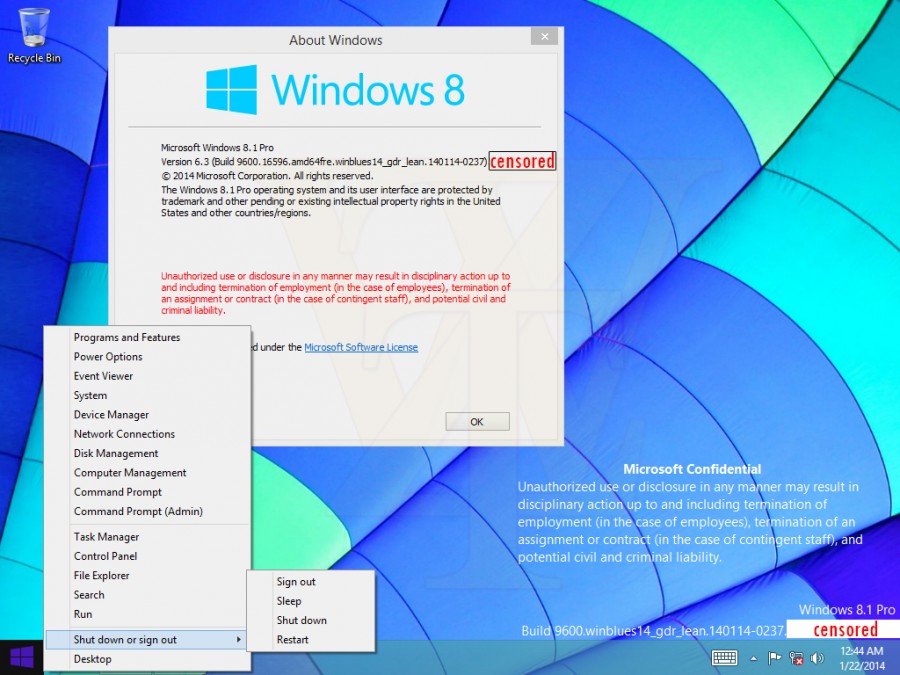
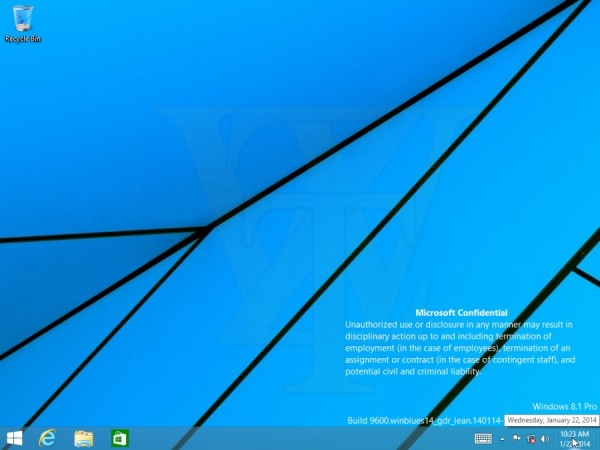
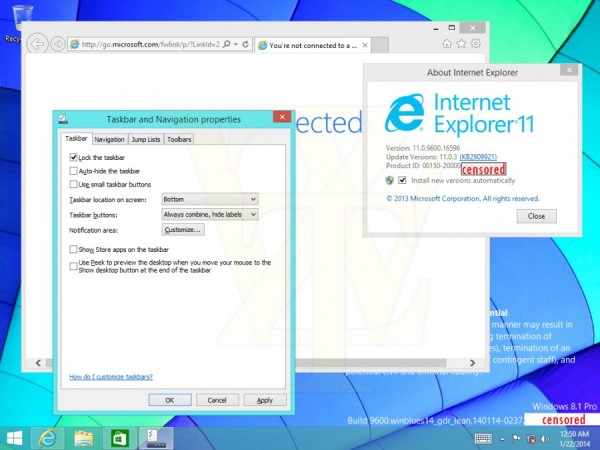
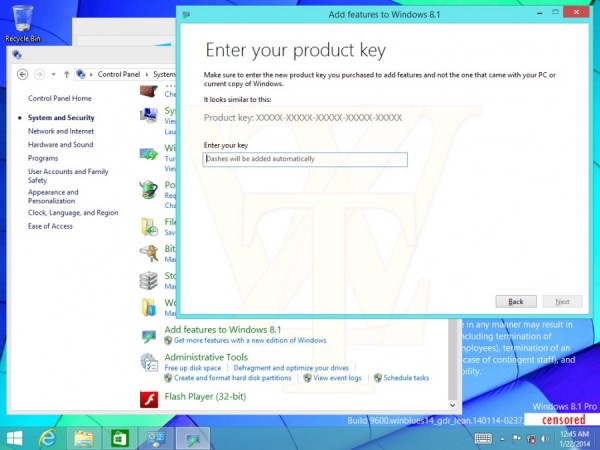
New images from Windows 8.1 Update 1 are emerging over the web and it should be launched in April.
In this new images it's possible to know that finally Microsoft it's merging the Metro and Desktop experience.

It will be possible with Update 1 (and in Windows "9" by the way) to run apps or metro apps while using the desktop. There's also a new option called "Show Store apps on the taskbar" which also make using Windows 8.1 a more fluid experience.


Wednesday, March 27, 2013

Windows 8 - Mail, Calendar and People Apps Get Updates


Although their not "state-of-the-art", The built in Mail, Calendar and People Apps, are a nice to have feature that comes with Windows 8.

They have very simple usage and are all connected with the Microsoft Live Services so with a Windows Phone you have seamlessly access to all the content.
Yesterday Microsoft launched an update to this 3 apps.

Mail App

  • Filter by All Unread e-mail
  • Filter by Flagged e-mail
  • "Smart contact suggestions" when writing a new e-mail
  • E-mail search on server (hotmail.com/outlook.com) instead off local search, if needed

         7

Calendar App


  • Calendar view updated
  • Work week view added
        4


People App

  • New swiping from top (or right-click) to open the app commands
  • New top navigation to switch between Facebook, Tweets, etc
  • Filter by social network
      11

Thursday, March 21, 2013

SkyDrive and Office - Perfect Partnership


Continuing my today's incursion over SkyDrive, here's and exemplifying video of how users can seamlessly connect their files with various apps and devices: