Showing posts with label preview. Show all posts

Thursday, July 27, 2023

New Microsoft Teams Preview - How to Enable


The new Microsoft Teams is coming and you can preview it right now!

Rolling out in September 2023 for new and existing installations of Microsoft 365 Apps for Windows, currently, users can install the new Teams by using the "Try the new Teams" switch in classic Teams or having administrators bulk deploy directly to the computers in theirs organization.

To enable the switch for specific users or groups, follow the instructions here:
Deploy the new Teams client using policies - Microsoft Teams | Microsoft Learn

If you want to bulk deploy in your organization, you should follow this instructions:
Bulk deploy the new Microsoft Teams desktop client - Microsoft Teams | Microsoft Learn

The option to opt-out will be available in early August 2023.

For a complete list of what's new and improved in the new Teams experience, here's the Microsoft Blog announcement:
Introducing the new Microsoft Teams, now in preview - Microsoft Community Hub

Tuesday, July 18, 2023

Bing Chat Enterprise Revealead

 
Microsoft announced today Bing Chat Enterprise.

Although still in preview, Bing Chat Enterprise is available now when you login in Microsoft Edge with your work profile account.

Just like Bing Chat, Bing Chat Enterprise is grounded in web data and provides complete, verifiable answers with citations, along with visual answers that include graphs, charts and images.

Bing Chat Enterprise start rolling out in preview today with no additional cost in Microsoft 365 E3, E5, Business Standard and Business Premium.

To access Bing Chat Enterprise, just make sure you're logged-in in Edge with your work account and go to https://bing.com/chat.

Monday, September 9, 2019

Windows 10–Your Phone App….phone calls! :)


So another really nice feature will be available soon on Your Phone App in Windows 10.
Following the nice to have notifications you’ll be able to do phone calls. And yes…this makes this app even more cool and helpful.
I believe Microsoft is listening to all the feedback they receive and also, I really believe that Windows 10 is now on this mature stage where the most important thing is not to add a bunch of new features but tweak to the best it’s current features.
Here’s a nice video showing of the new Call preview for Your Phone App from the one and only @ZacBowden from Windows Central:


Monday, June 24, 2019

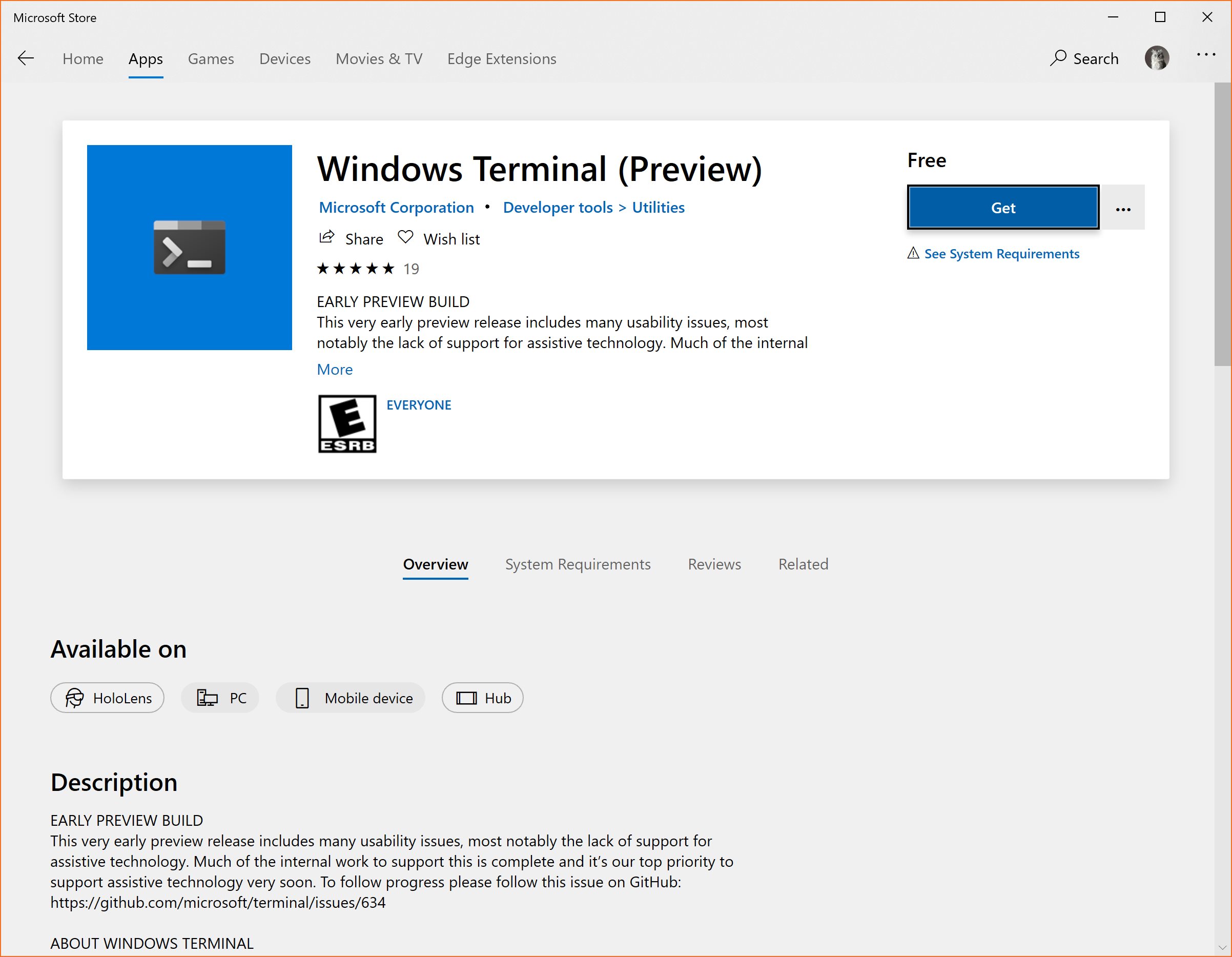
Windows Terminal (Preview) now available on Microsoft Store

It’s not usual that a feature like this generates so much hype, but the truth is that since it was announced at Microsoft Build 2019, the new Windows Terminal was a feature that a lot of people wants to try out.

This new Windows Terminal allows users to use command-line tools and shells like command-prompt, PowerShell and WSL.
It also allows multiple tabs, custom themes, and a lot more.

Just notice that this is a preview version and will probably have some issues and bugs for now.

Microsoft Store - Windows Terminal (Preview)

Microsoft Edge based on Chromium (Edgium) GPOs early preview

Later last week Microsoft’s Sean Lyndersay made a post at Microsoft Tech Community where it was announced the first look of new Microsoft Edge based on Chromium group policies.

Without a lot of information for now, we were told that there will be correspondent one’s for Intune also.

He also stressed that this is obviously a work in progress and there’s still much work to do.

Take a look and download the preview GPOs here:

Microsoft Tech Community - Early preview of Microsoft Edge group policies

Monday, April 15, 2019

Microsoft Edge with Chromium preview available for download

Although there was over the Internet, some unofficial versions of Microsoft Edge with Chromium, it is now available through Microsoft’s preview programs.

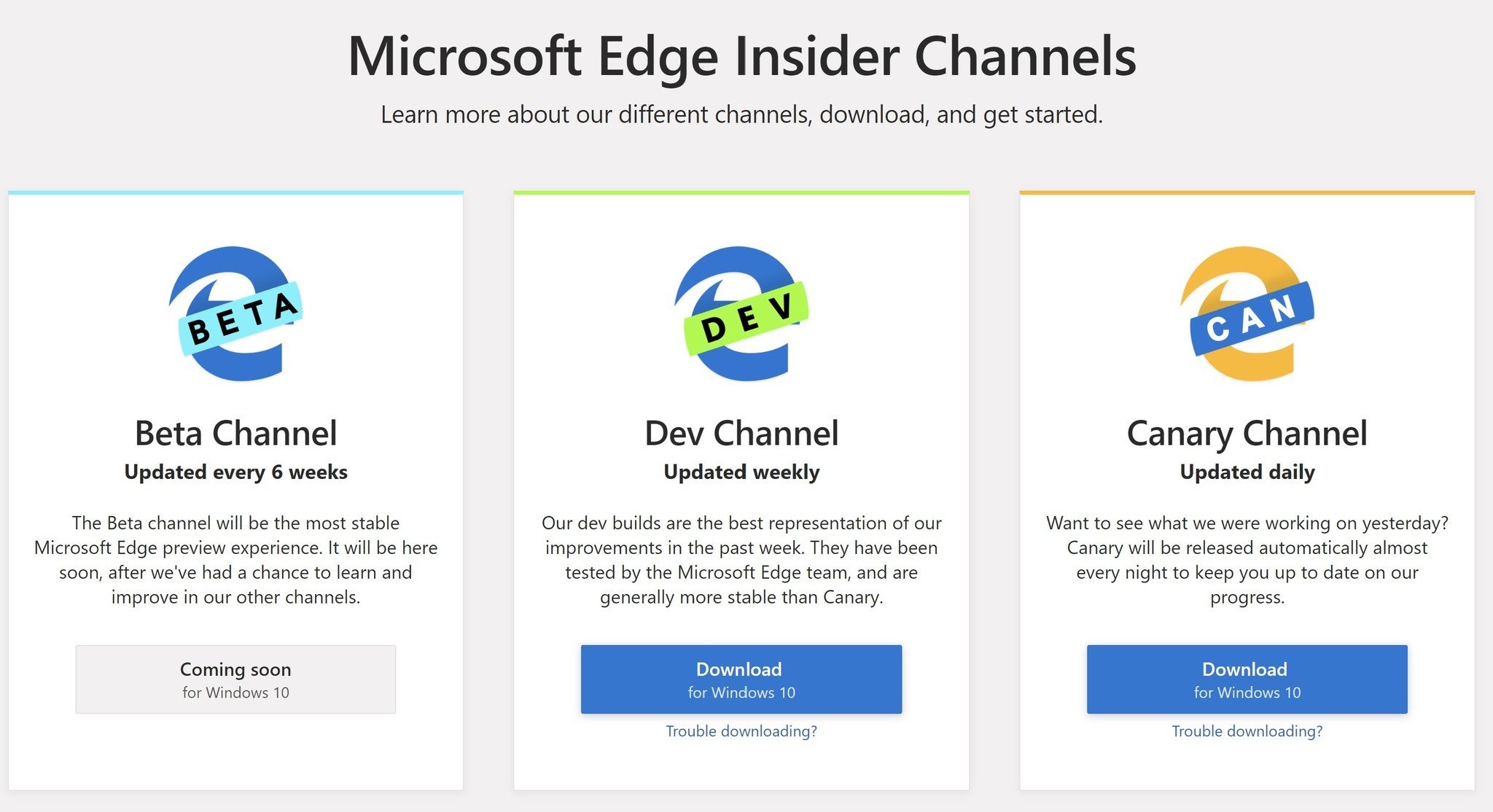
In this phase it is available in 2 preview channels:

  • Dev Channel – here you’ll have access to upcoming features that later will be available to final users.
  • Canary Channel - this branch has pre-released code that was not totally tested.
  • Beta Channel – Not yet available and presumably will be in next fall.

So go ahead and try the next Microsoft’s browser, Microsoft Edge with Chromium:
Microsoft Edge Insider Channels

Thursday, July 23, 2015

Windows 10 Insider Builds - Installing Insider Hub App


I think that with Windows 10, Microsoft really done a great job with Insider Hub.
For the first time, Microsoft could test, change and improve a lot of things in a very early state of its OS almost since day 1 and on a global way.

I believe that with this brilliant step, Microsoft can really have one of it's greatest moments when Windows 10 gets to RTM and general consumers.

Since a few insider builds back, the Insider Hub (the app to get news, quests and announcements for insiders) stopped from being pre-installed.

If you want to install it again, follow this steps:

  1. Go to Settings, Apps & Features
  2. Click Manage Optional Features and then click Add a Feature
  3. Slide down to Insider Hub e click Install
  4. Done!

Thursday, April 9, 2015

Windows 10 for Phones - Quick look with Joe Belfiore


With the announcement today from Microsoft's Gabe Aul, that Windows 10 for Phone will have a new technical preview released tomorrow (10th April), and that this new testing version will be available for a larger number of Lumia devices, here's a nice video from Joe Belfiore showing of some of the features that'll be available soon.

But first, the official list of Lumia equipments eligible for the new build:

  • Lumia 1020
  • Lumia 1320
  • Lumia 1520
  • Lumia 520
  • Lumia 525
  • Lumia 526
  • Lumia 530
  • Lumia 530 Dual Sim
  • Lumia 535
  • Lumia 620
  • Lumia 625
  • Lumia 630
  • Lumia 630 Dual Sim
  • Lumia 635
  • Lumia 636
  • Lumia 638
  • Lumia 720
  • Lumia 730
  • Lumia 730 Dual SIM
  • Lumia 735
  • Lumia 810
  • Lumia 820
  • Lumia 822
  • Lumia 830
  • Lumia 920
  • Lumia 925
  • Lumia 928
  • Microsoft Lumia 430
  • Microsoft Lumia 435
  • Microsoft Lumia 435 Dual SIM
  • Microsoft Lumia 435 Dual SIM DTV
  • Microsoft Lumia 532
  • Microsoft Lumia 532 Dual SIM
  • Microsoft Lumia 640 Dual SIM
  • Microsoft Lumia 535 Dual SIM

Tuesday, April 7, 2015

Microsoft Deployment Toolkit 2013 Update 1 Preview Available


With the probability of Windows 10 to be launched this summer, IT starts to think about it and should be prepared to it's deployment as soon as possible.

Because creating a new reference/gold image of a new operating system can bring new issues and challenges it's important to get to know the OS, the new features and the deprecated features also.
This makes it easier for IT guys to orchestrate the OS deployment and to know what to install, what not to install, which phase to apply that configuration, etc.

So, to start planning and testing, Microsft made available a month ago Microsoft Deployment Toolkit 2013 Update 1 (MDT 2013 Update 1) Preview.
Obviously take in count the word "Preview". This release it's meant to "lab only" and to submit suggestions and bugs to product team (Enterprise Client Management), through Microsoft Connect website.

I'll probably talk a little more about this new release further this month, but for now, here's the official information.

What's new with MDT 2013 Update 1 Preview:

  • Support for the Windows 10 Technical Preview (LTI only) and the Windows Assessment and Deployment Kit (ADK) for Windows 10 Technical Preview
  • Split WIM support for UEFI media scenarios
  • Completely revised Windows version logic including changes from string to integer comparison ("10" !> 6 but 10 > 6)  and a new ZTIUtility function, GetMajorMinorVersion
  • Minor revisions  to Deployment Workbench console interface

If you want to try MDT 2013 Update 1 Preview and give feedback, you should follow these steps:

  • Download the installer from the MDT Connect Portal.
  • Download the prerequisite Windows ADK for Windows 10 Technical Preview from the Windows Insiders program. See this post for further information on how to obtain it.
  • Try MDT 2013 Update 1 Preview and submit bugs, suggestions and feedback via Connect Portal

Notes:
New members must first join the MDT Group of the Client Enterprise Management program on Connect