Wednesday, May 20, 2020

Microsoft Endpoint Manager PoC Guidance now available

It doesn’t matter if you’re a reseller, a Microsoft Partner or even an IT guy trying to understand more about Microsoft Endpoint Manager (MEM), it can be hard to understand some concepts about SCCM and MEM, co-management, modern provisioning, use cases, etc.

After all that, it’s important to know how to showcase MEM to your clients, managers etc.

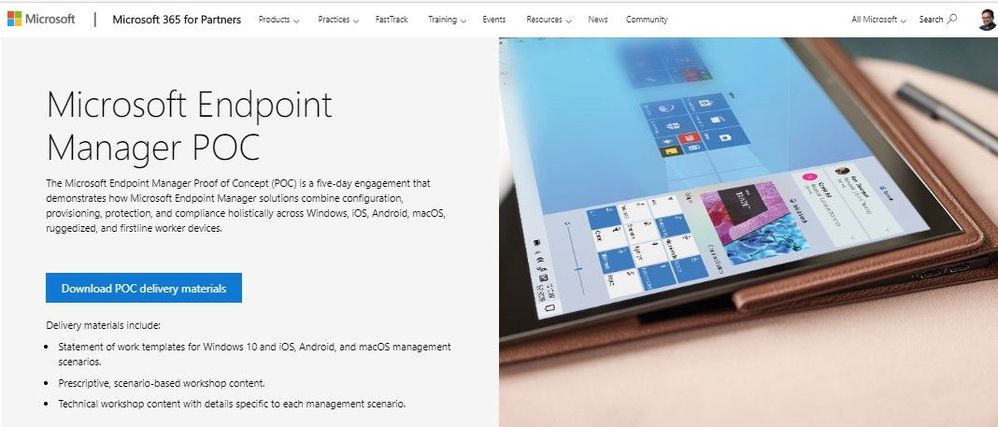
So, to help you with this, Microsoft launched Microsoft Endpoint Manager POC guidance.
It’s a set of materials like templates, presentations, manuals, scenarios and workshops that keeps you on track with your objective to implement MEM.

Here’s how to get it:
Microsoft Endpoint Manager POC

Tuesday, May 19, 2020

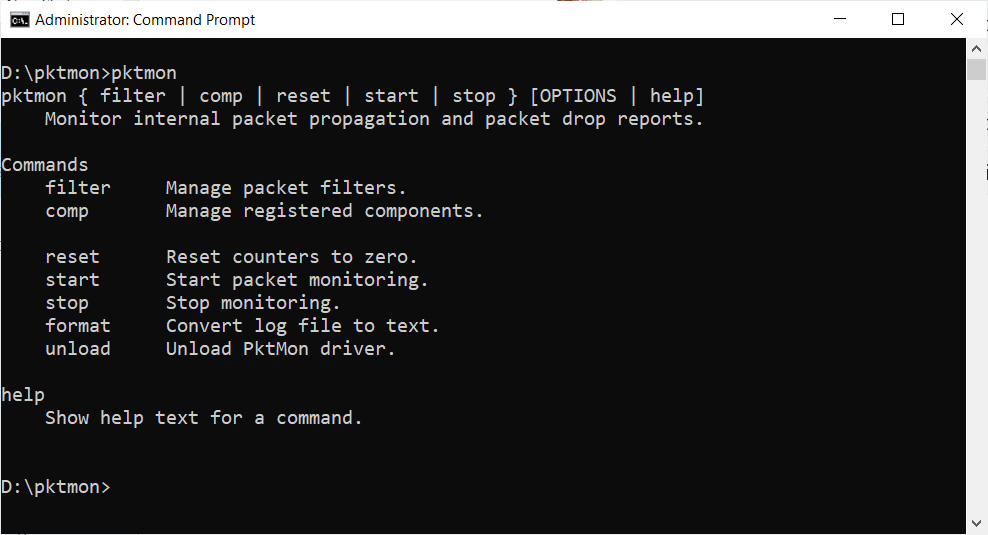
Windows 10 now has a packet sniffer built-in

Pktmon Help

Microsoft added a new tool with October 2018 Update that didn’t had any special focus but it’s a really nice one.
A built-in diagnostic and packet monitoring tool called “pktmon”.

To use it just open an elevated command-prompt and type “pktmon” to get details and commands.

Mary Jo Foley chat with Brad Anderson

Here’s a nice chat from Petri.com with MJF and the one and only Brad Anderson, Microsoft 365 Corporate VP:

Microsoft VLSC gets monthly updates for Windows

Here’s a nice addition if you’re like me and uses Microsoft Volume Licensing Service Center (VLSC) to get you Windows 10 ISOs.

You know have ISOs monthly updated, which avoid the need to update Windows 10 after installing or using an ISO and quality update separately in your MDT environment.

Tuesday, March 3, 2020

[Tips & Tricks] Microsoft Surface Duo’s signature ringtone

Did you like Surface Duo’s presentation video? And what about its ringtone?
While we wait to get our hands on the new Microsoft phone, you can get it’s signature ringtone right now!

Get it right here:
Microsoft Surface Duo signature ringtone download

Thursday, January 2, 2020

Microsoft Endpoint Manager Proof of Concept (PoC) Guidance

Microsoft made available a very nice set of resources for everyone interested in the new Microsoft Endpoint Manager (MEM).

Microsoft Endpoint Manager Proof of Concept (PoC) Guidance, is a set of technical resources mainly for partners and resellers to help them conceive a successful PoC scenario for their costumers.

For everyone that’s not a partner or reseller, it’s also really interesting information where you can get to know more about this new tool and how you can implement it on your environment.

For more information on this guidance:
Microsoft Tech Community - Microsoft Endpoint Manager Proof of Concept (PoC) Guidance

Thursday, November 28, 2019

Windows Terminal (Preview) – Run as Administrator [Solved]

Launched a few months ago and still in preview, Microsoft’s Windows Terminal is the future console from Microsoft that combines Command-prompt, Powershell, Azure Cloud Shell and more in a single app.

And…”app” here is the key word.
Because Windows Terminal (preview) is available through Microsoft Store, the way this apps work (linked to the user that installed it) make it difficult to run the app as administrator, if you like me, login with a non-administrator user.

To solve this, the easy way, its really simple:

  • Login with your administrative account
  • Install Windows Terminal (Preview) from the Microsoft Store
  • Login again with your “normal” account
  • “Run as Administrator” and…voilĂ !